Posted On: May 6, 2025
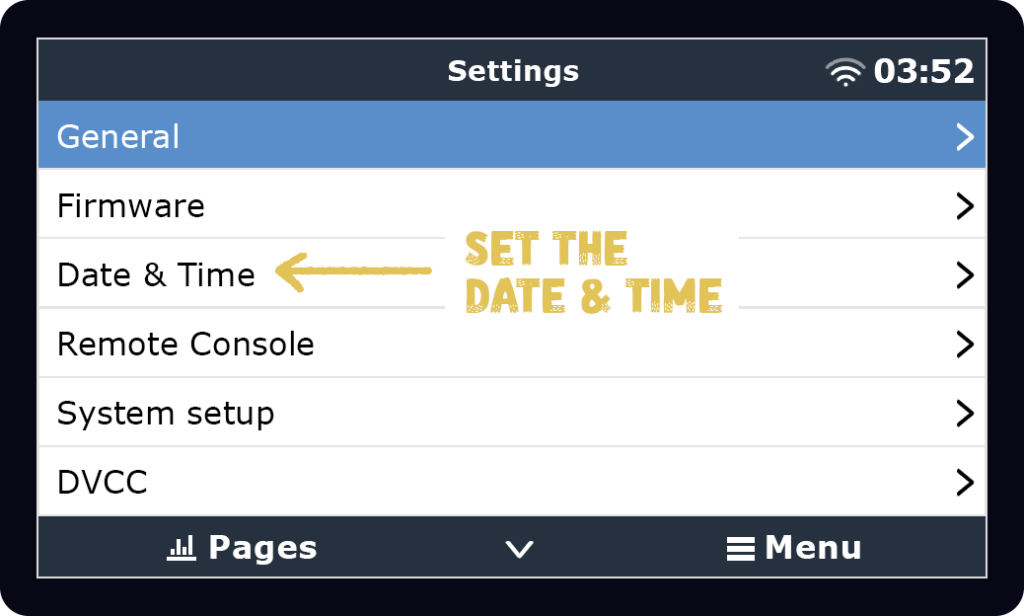
Changing the Date and Time – Victron Touch 50 & Touch 70

Co-Owner / Solar Advisor
Jason is the resident expert for anything that carries a current. Drawing on an extensive background in low-voltage tech and a deep history of RV inspections, he has a knack for making complicated systems work seamlessly. He’s the practical force behind the team, dedicated to high-quality builds and reliable energy solutions.